
Download Syncthing – Free Secure Data Sharing & Sync Tool
Overview
Syncthing is a free, open‑source data‑sharing and synchronization platform that lets you connect multiple devices directly, without relying on a third‑party cloud provider. By creating encrypted peer‑to‑peer tunnels, Syncthing guarantees that your files travel safely over the internet while remaining under your control. Whether you need to back up photographs from a DSLR to a home NAS, collaborate on research documents with colleagues across continents, or simply keep your laptop and desktop folders in perfect sync, Syncthing offers a fast, reliable, and privacy‑first alternative to mainstream services.
The application is built on Go, which gives it a lightweight footprint, and it ships with a web‑based graphical interface that works in any modern browser. Because it runs on a decentralized model, there is no single point of failure; each device participates in the network, meaning that as long as at least one node is online, the data can be accessed or propagated. While the initial setup can be a bit intimidating for newcomers, the community provides extensive documentation, forums, and step‑by‑step videos that help users overcome the learning curve.
Syncthing’s design philosophy emphasizes security, transparency, and flexibility, making it an excellent choice for developers, power users, and privacy‑conscious individuals alike.
Key Features of Syncthing
- End‑to‑end encryption: All traffic is protected with TLS 1.3, ensuring that only authorized devices can read the data.
- Decentralized architecture: No central server is required; each device acts as both client and server.
- Cross‑platform support: Native builds for Windows, macOS, Linux, and Android (iOS support is planned).
- Automatic conflict resolution: When two devices edit the same file, Syncthing creates conflict copies to prevent data loss.
- Selective folder sharing: Users can share entire directories or pick individual files, with granular read‑only or read‑write permissions.
- Bandwidth throttling and compression: Control upload/download rates and enable compression to save on data usage.
- Web GUI and REST API: Manage devices, folders, and settings via a responsive browser interface or programmatically via the API.
- Versioning options: Keep previous versions of changed files locally or in a separate folder for easy recovery.
- Open‑source transparency: The codebase is publicly available on GitHub, inviting audits and community contributions.
- Zero‑cost licensing: Completely free to use, with no hidden fees or subscription models.
Installation & Usage Guide
Downloading the Installer
The first step is to obtain the appropriate installer for your operating system. Visit the official download page at syncthing.net/downloads and select the package that matches your platform: a .exe for Windows, a .dmg for macOS, a .deb or .rpm for Linux, or an .apk for Android devices. All downloads are signed with a GPG key, so you can verify the integrity of the file before installation. If you prefer a portable version, the “Syncthing‑portable‑x64.zip” archive works on Windows without requiring administrative rights.
Step‑by‑Step Setup
After downloading, run the installer and follow the on‑screen prompts. The wizard will ask where you want to store the configuration files and the default sync folder. For most users, the default locations are sufficient, but power users can customize paths to keep the data on encrypted drives.
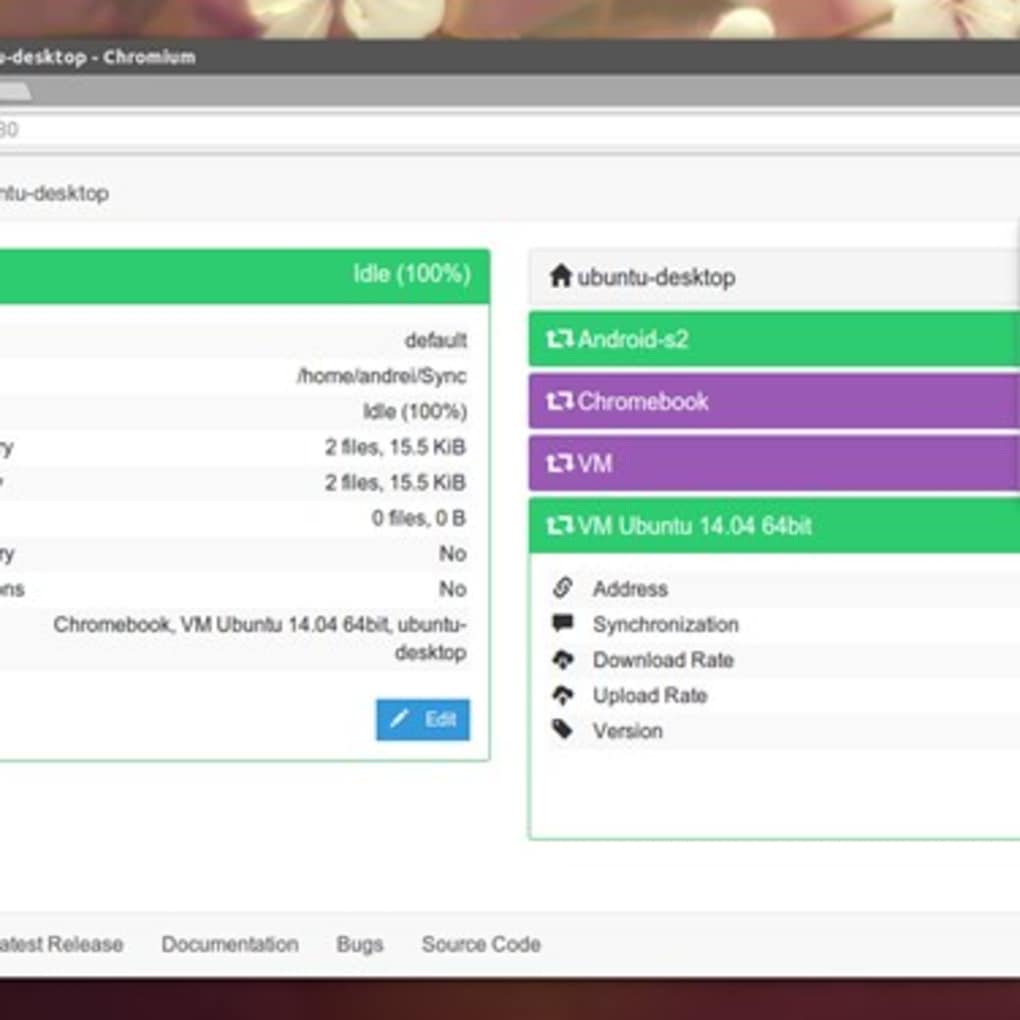
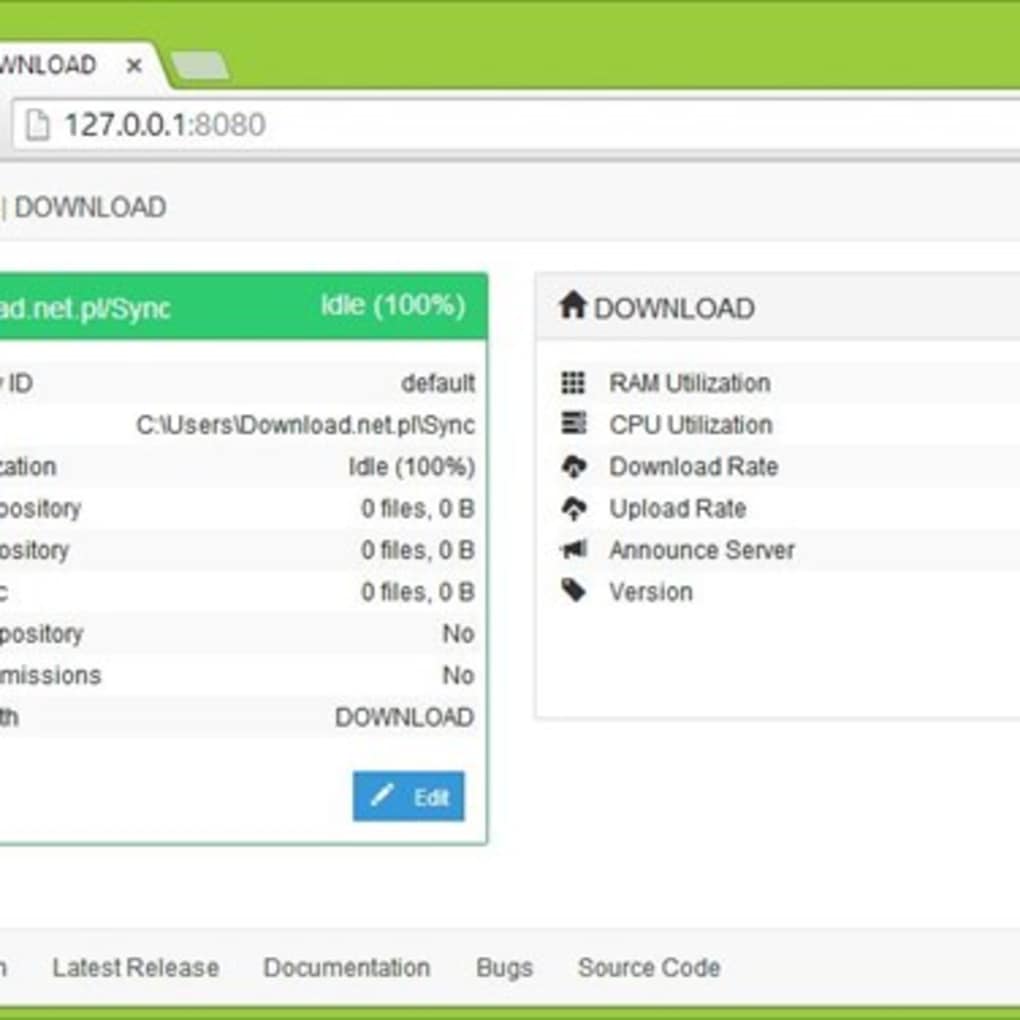
Once the installation completes, Syncthing will start automatically and open a local web interface at http://127.0.0.1:8384. The first time you open the GUI, you’ll be greeted with a “Welcome” screen that explains the concept of “devices” and “folders.” Click “Add Device” to generate a unique device ID; you’ll need to share this ID with any other Syncthing instance you want to connect to. Next, click “Add Folder” and point the tool to the directory you wish to sync.
Choose a folder ID, enable versioning if desired, and set the access mode (read‑only or read‑write). Finally, accept the remote device’s ID on both ends, and the two nodes will begin negotiating a secure connection.
Using the Web GUI
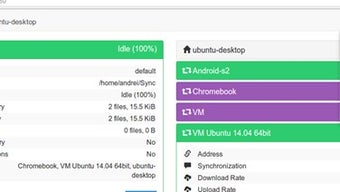
The web interface is the heart of Syncthing’s user experience. From the dashboard, you can monitor real‑time transfer statistics, see which devices are online, and view folder status. The “Actions” menu lets you pause syncing, force a rescan, or manually restart the service.
Under “Settings,” you’ll find advanced options such as NAT traversal, relay servers, and global discovery settings. For mobile users, the Android app mirrors the same functionality, offering background sync with battery‑saving options. If you need to automate tasks, the REST API can be accessed at http://127.0.0.1:8384/rest/, allowing you to script folder additions, device approvals, and more.
With these tools, even beginners can quickly get a robust, secure sync network up and running.
Compatibility, Pros & Cons
Syncthing runs natively on Windows 10/11, macOS 10.13 (High Sierra) and later, most major Linux distributions (including Ubuntu, Debian, Fedora, Arch, and openSUSE), and Android 5.0+. An experimental build for iOS exists, but it is not officially supported, which may leave iPhone and iPad users waiting for a stable release.
Pros
- Completely free and open‑source – no hidden costs.
- End‑to‑end encryption guarantees privacy.
- Decentralized model eliminates reliance on third‑party clouds.
- Cross‑platform support enables syncing across desktops, laptops, and mobile devices.
- Rich feature set (versioning, selective sharing, bandwidth control).
- Active community with frequent updates and security patches.
- Web GUI is intuitive once the initial learning curve is crossed.
- Lightweight footprint – low CPU and memory usage.
- Customizable via REST API for power users and developers.
- Transparent codebase encourages security audits.
Cons
- Initial configuration can be daunting for non‑technical users.
- No official iOS client limits adoption among Apple‑only households.
- Requires at least one device to stay online for continuous syncing.
- Advanced settings (relay servers, NAT traversal) may need manual tweaking in restrictive network environments.
- File‑level conflict handling can generate duplicate files if both devices edit simultaneously.
Frequently Asked Questions
Is Syncthing truly free or are there hidden fees?
Syncthing is 100% free and open‑source. There are no subscription plans, no premium tiers, and no hidden charges. All features are available to every user.
Can I use Syncthing to sync files between a Windows PC and an Android phone?
Yes. Syncthing has native clients for Windows and Android. After installing on both devices, simply add each other’s device ID and choose the folders you want to keep in sync.
How does Syncthing ensure my data is secure during transfer?
All communication is encrypted with TLS 1.3, providing forward secrecy and authentication. Devices exchange certificates automatically, and no data ever passes through a central server.
What happens if I lose internet connectivity on one device?
Syncthing stores changes locally and resumes synchronization automatically when the device reconnects. No data is lost; the system simply queues the updates.
Is there a way to limit bandwidth usage?
Yes. Under Settings → Bandwidth, you can set maximum upload and download rates, enable compression, and prioritize certain folders to avoid saturating your network.
Final Verdict & Call to Action
Syncthing stands out as a powerful, privacy‑focused alternative to mainstream cloud services. Its decentralized architecture, end‑to‑end encryption, and cross‑platform availability make it a compelling choice for anyone who values control over their data. While the initial setup may require a bit of patience, the long‑term benefits—zero cost, no vendor lock‑in, and robust syncing capabilities—far outweigh the learning curve.
Whether you are a developer needing to share code securely, a photographer syncing large RAW libraries, or a home user looking for a free backup solution, Syncthing delivers a reliable and transparent experience. Ready to take charge of your files? Download Syncthing now and start building your own secure peer‑to‑peer network today.
Overall Rating: 4.5/5
Syncthing offers a feature‑rich, open‑source platform for secure file sharing and synchronization. Its strong encryption, lack of a central server, and support for multiple operating systems make it an excellent choice for privacy‑conscious users. The primary drawbacks are the steep learning curve for newcomers and the absence of an official iOS client, but these are outweighed by the benefits of cost‑free usage, community support, and extensive configurability.
Pros: Free, encrypted, cross‑platform, no central server, active community.
Cons: Setup complexity, no iOS support yet, requires at least one device online.







